Streamlining the complexity
of Fixed Income
This project is a retrospective interpretation of institutional trade execution and high-density data systems influenced by my time at MarketAxess. It's designed to address the unique complexities of bond trading, and simplify a traders workflow.

INTRODUCTION
A next-gen MarketAxess
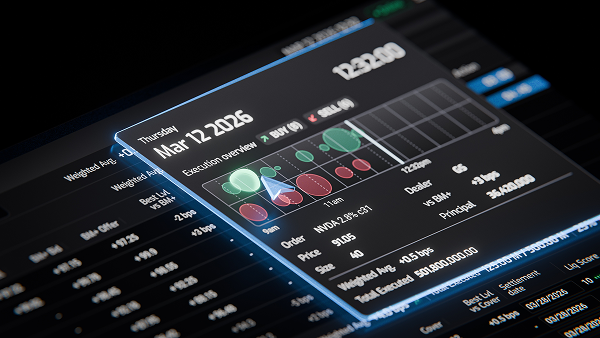
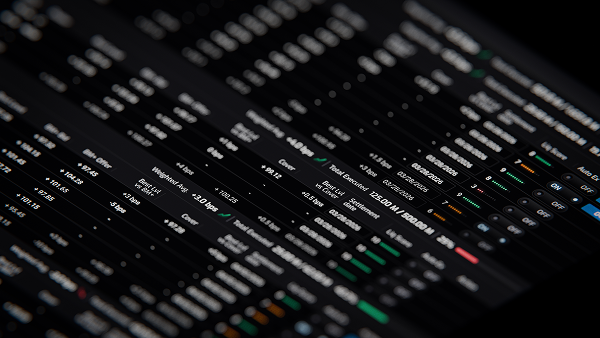
As Senior UX Designer, I collaborated with a specialist team of developers and product specialists to deconstruct years of legacy feature-bloat. Our mission was to develop a new, React-based execution platform from the ground up.
By distilling fragmented workflows into a cohesive visual language and a centralised component library, the team transformed a dense, 'bolted-on' ecosystem into a lightweight, logic-driven interface that streamlines established trading patterns.

FLOW BREAKDOWN
The Stages of a Trade
Overview
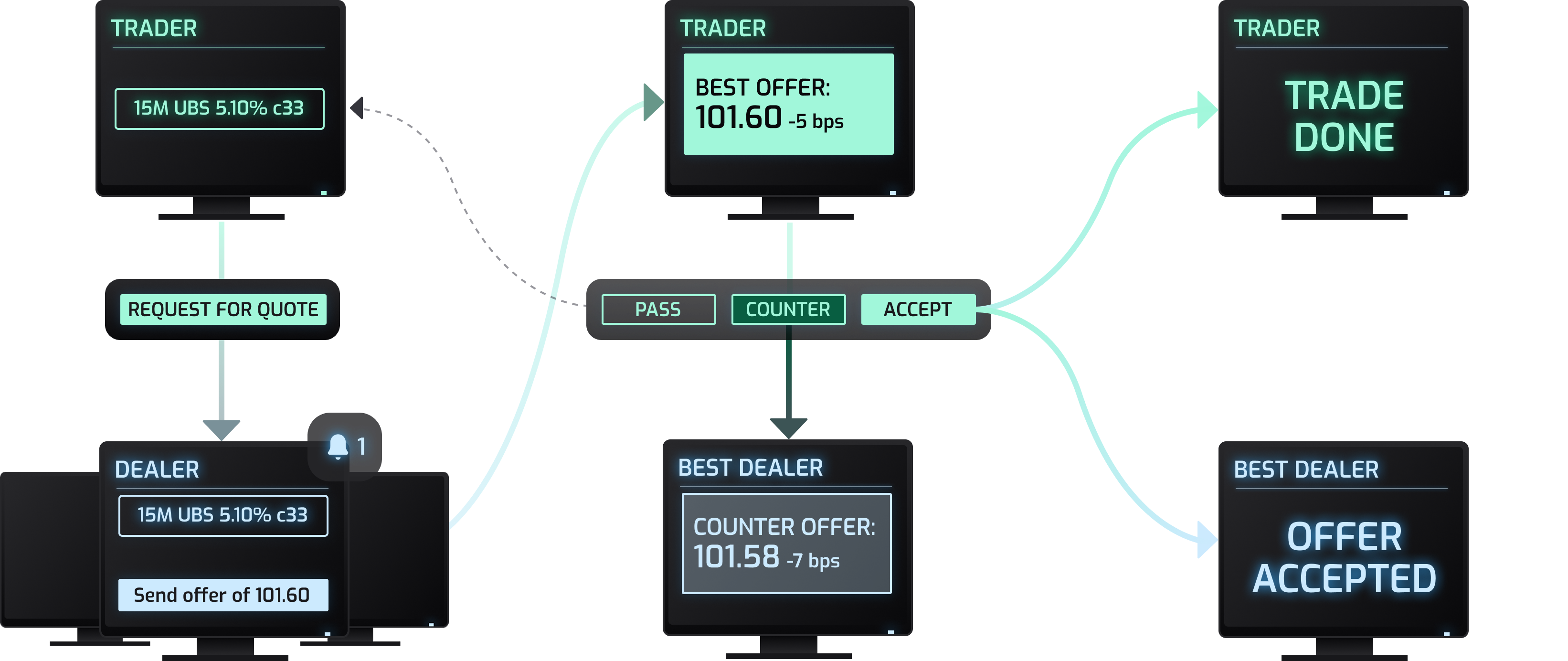
In institutional finance, bonds are traded "Over-the-Counter," requiring a negotiation process known as a Request for Quote (RFQ).
A trader’s workflow is a fast paced environment. They must stage multiple bonds, achieve competitive pricing from a global network of dealers, and analyse incoming quotes against real-time benchmarks.
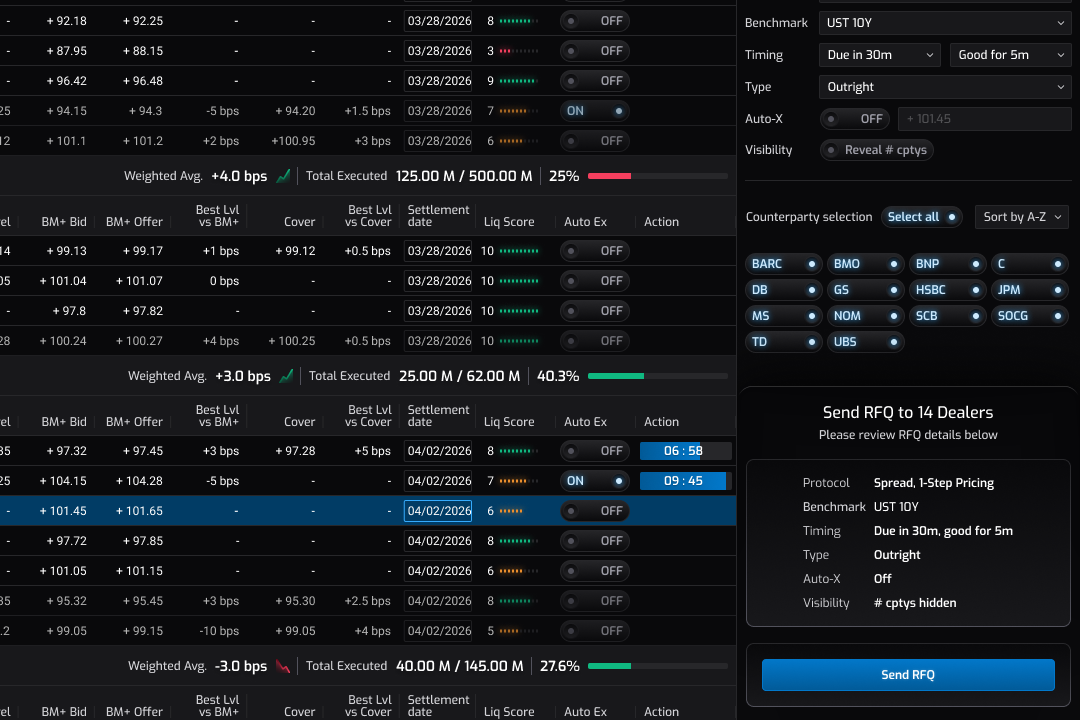
Request for quote
When the trader selects an order, the details panel slides into view. Here they can configure their trade before submitting their request. Importantly, this is the stage where the trader is able to decide which dealers / counterparties they'd like to send their request to.
Once the trader is ready, they can hit the Send RFQ button which takes the order to the next stage.
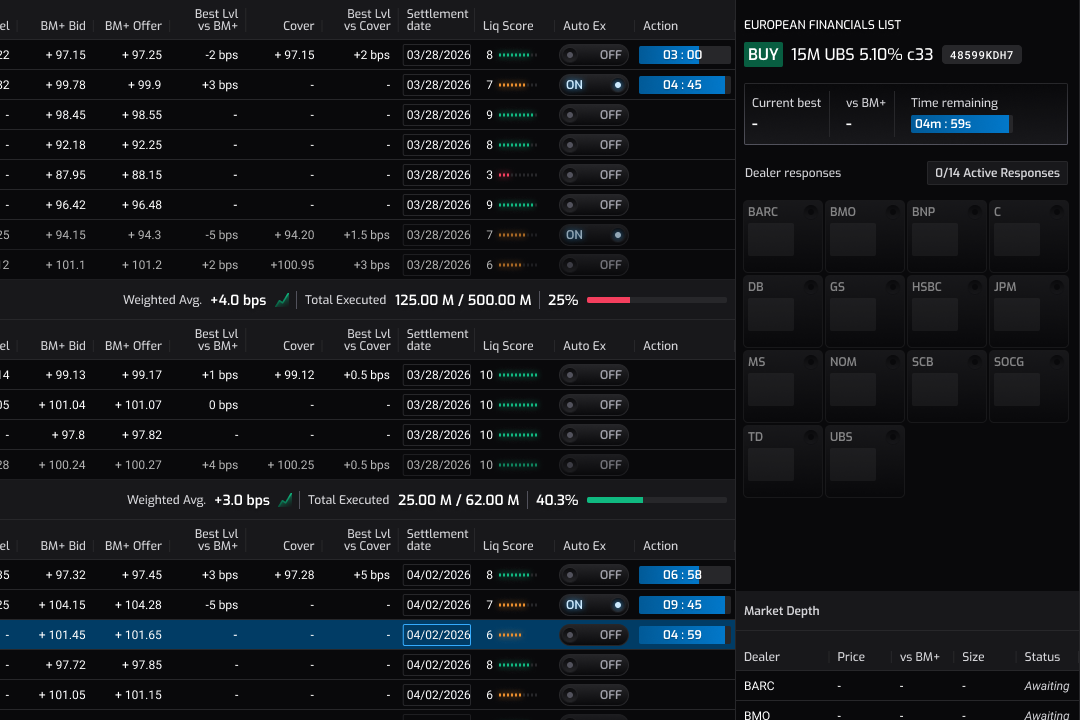
Dealers recieve RFQ
Once the trader submits an RFQ, it's sent to all the relevant dealers. During this stage the orders status is 'Pending', meaning the order is with the dealers but no respones have been recieved yet.
The dealer selection pills transition to represent a tile on the heatmap, however until a response is received, each tile displays a pulsing empty state.
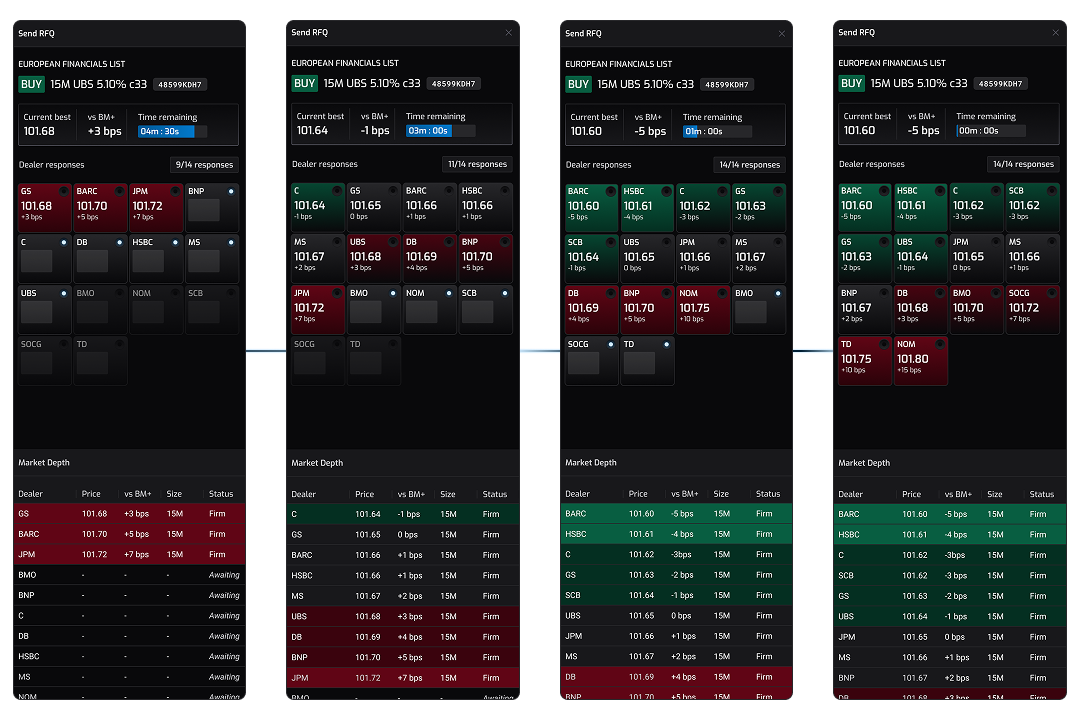
Trader receives quotes from dealers
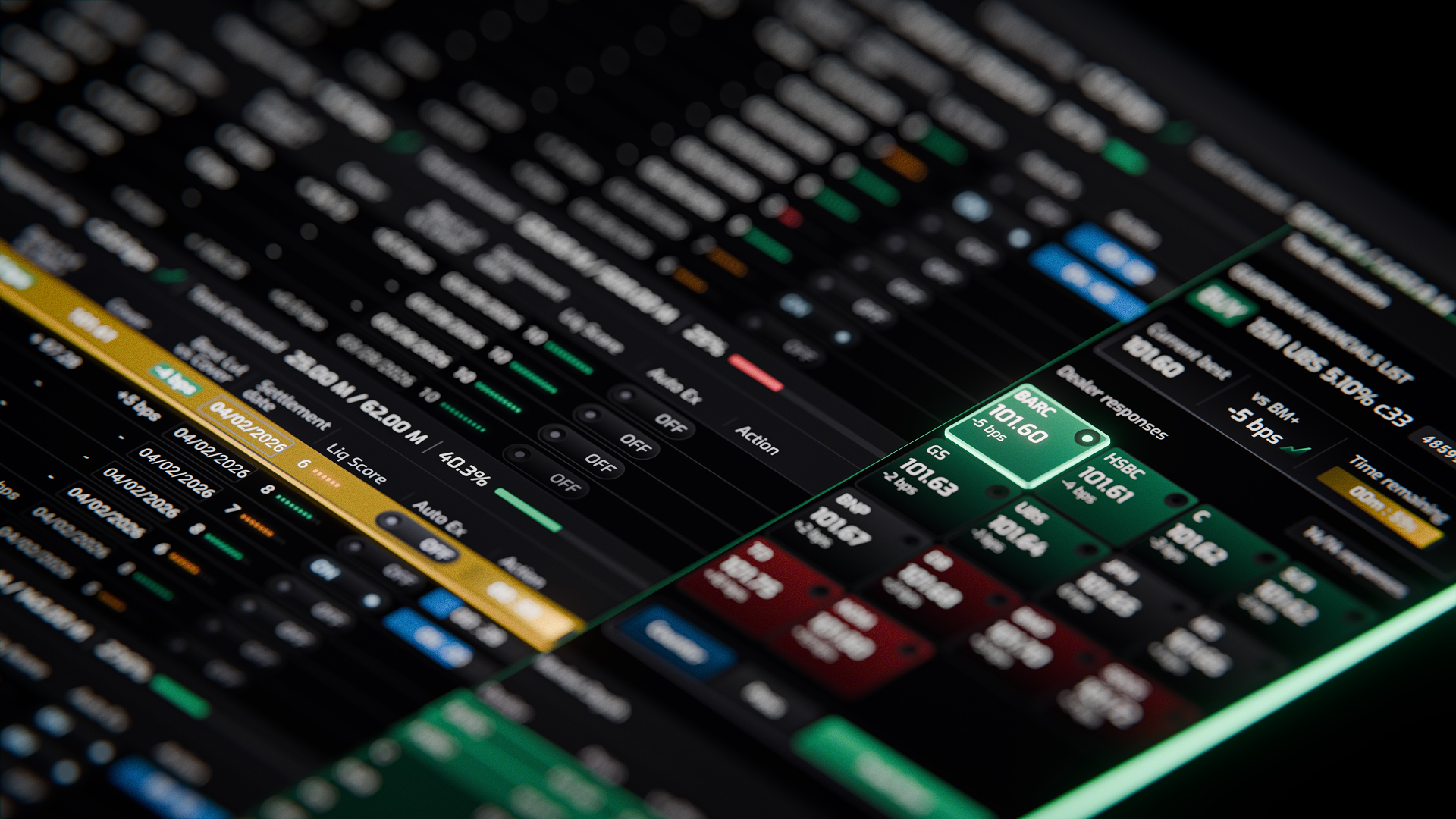
Now the order is 'Live'. The traders UI shows a surge of activity in the heatmap and a market depth grid. Some early offers appear bright red telling the trader these offers are well over the benchmark prices for this bond, but as the end of the live window closes in, the field is looking a lot more competitive.

Ready to trade
The live window has now closed and the order moves to a ready to trade status. The entire row is highlighted in gold to reinforce urgency. The best quote is at the top of the stack and highlighted with a bold green border.
At this stage, the trader has a number of options:
- Trade with the best dealer
- Select any other dealer in the grid and trade with them instead
- Counter the dealers quote. This initiates a back and forth with the dealer to negotiate a better price.
- Pass on the trade. This reverts the order back to it's default staging status.
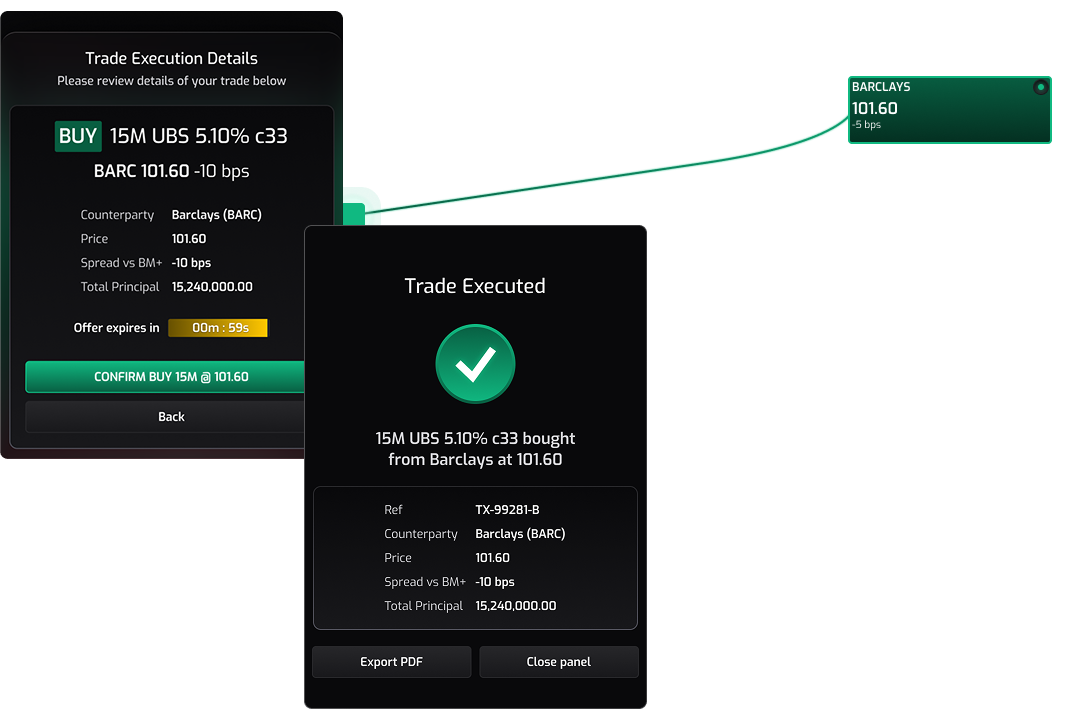
Trade done
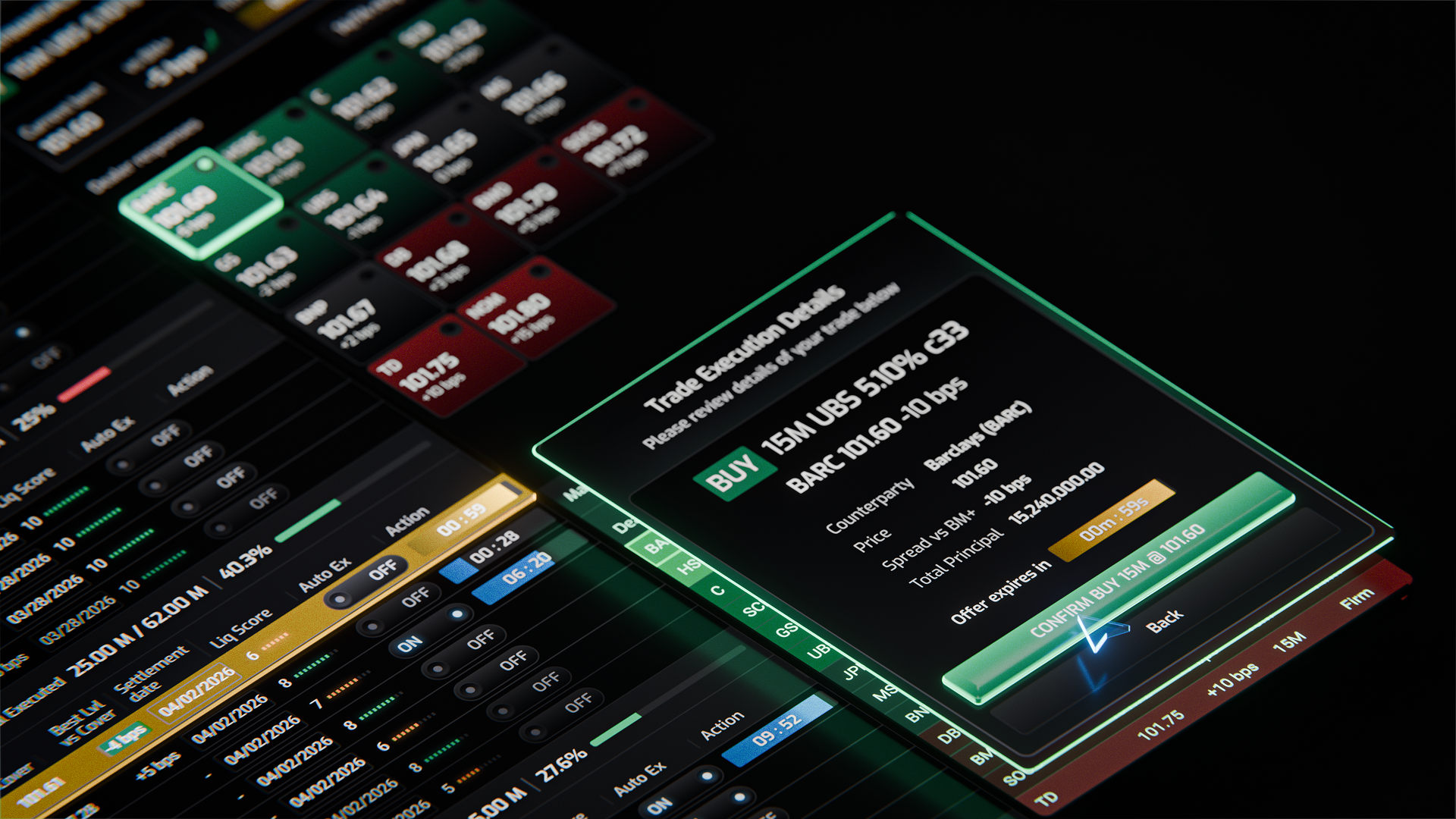
Once the trader reaches a satisfactory price, they review the details of the trade and confirm.
A trade executed card is then displayed, showing a final summary of the trade.
UI OVERVIEW
The Workspace
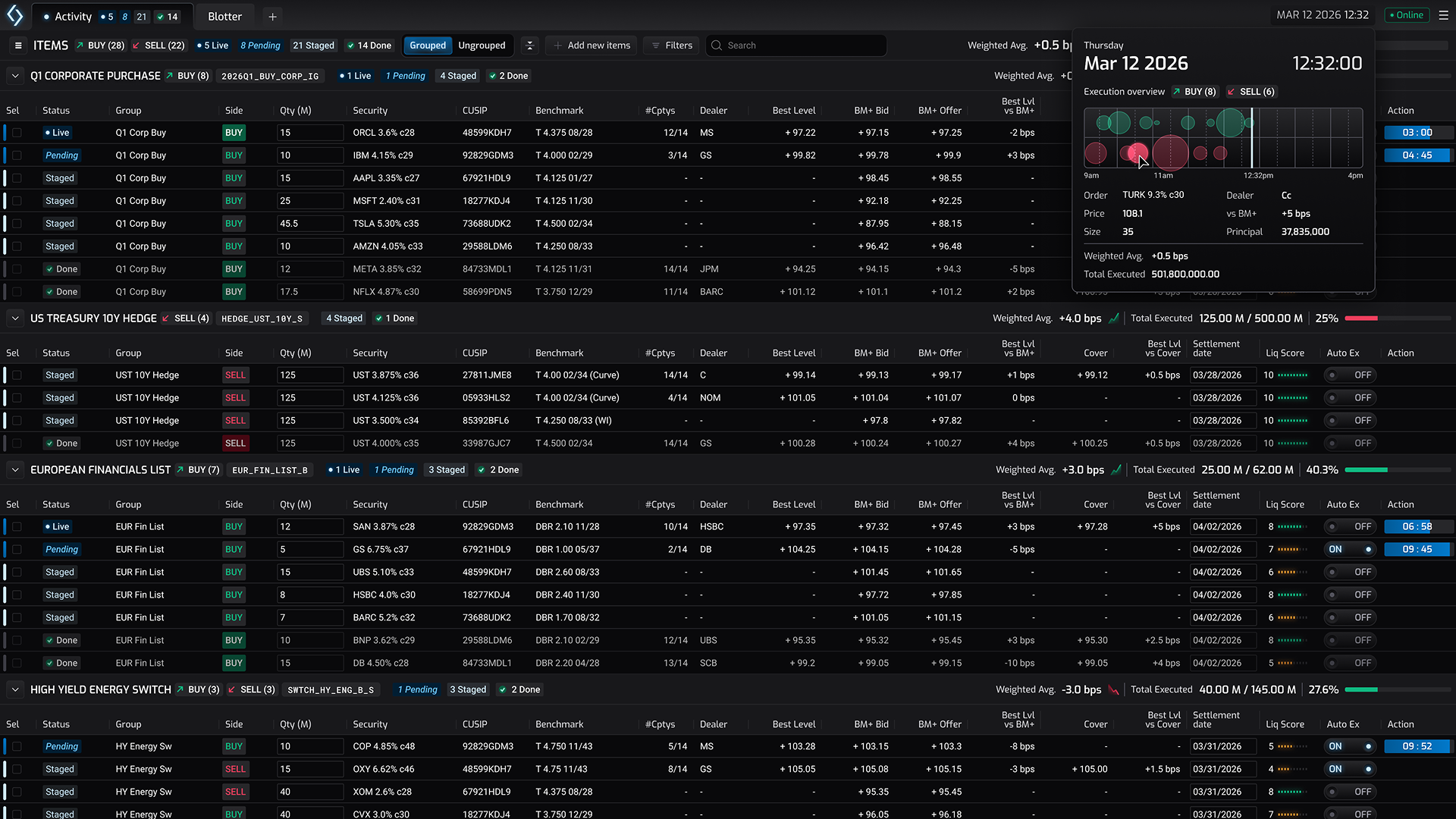
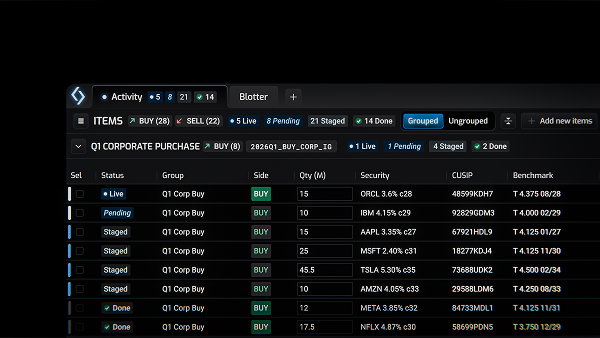
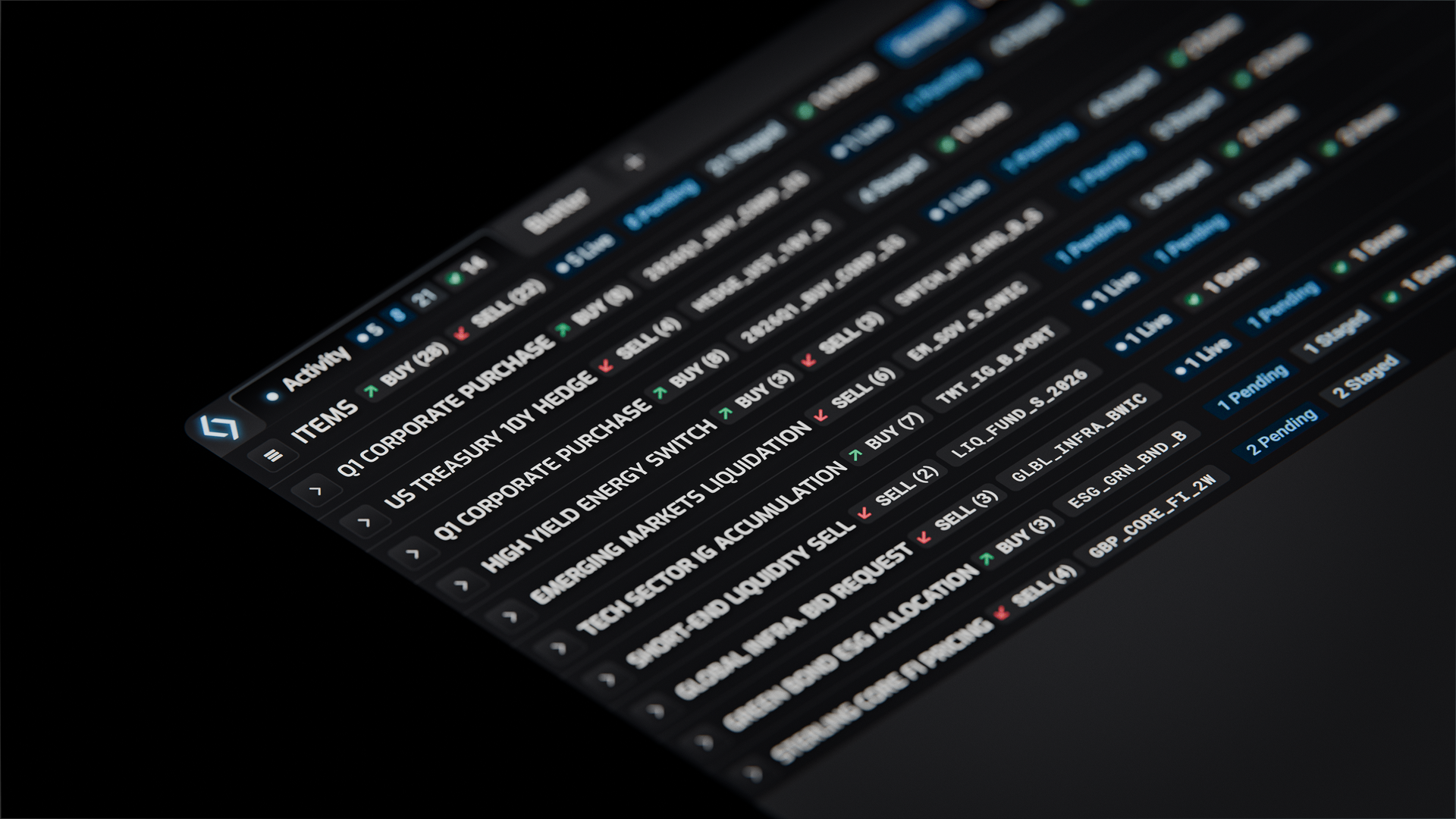
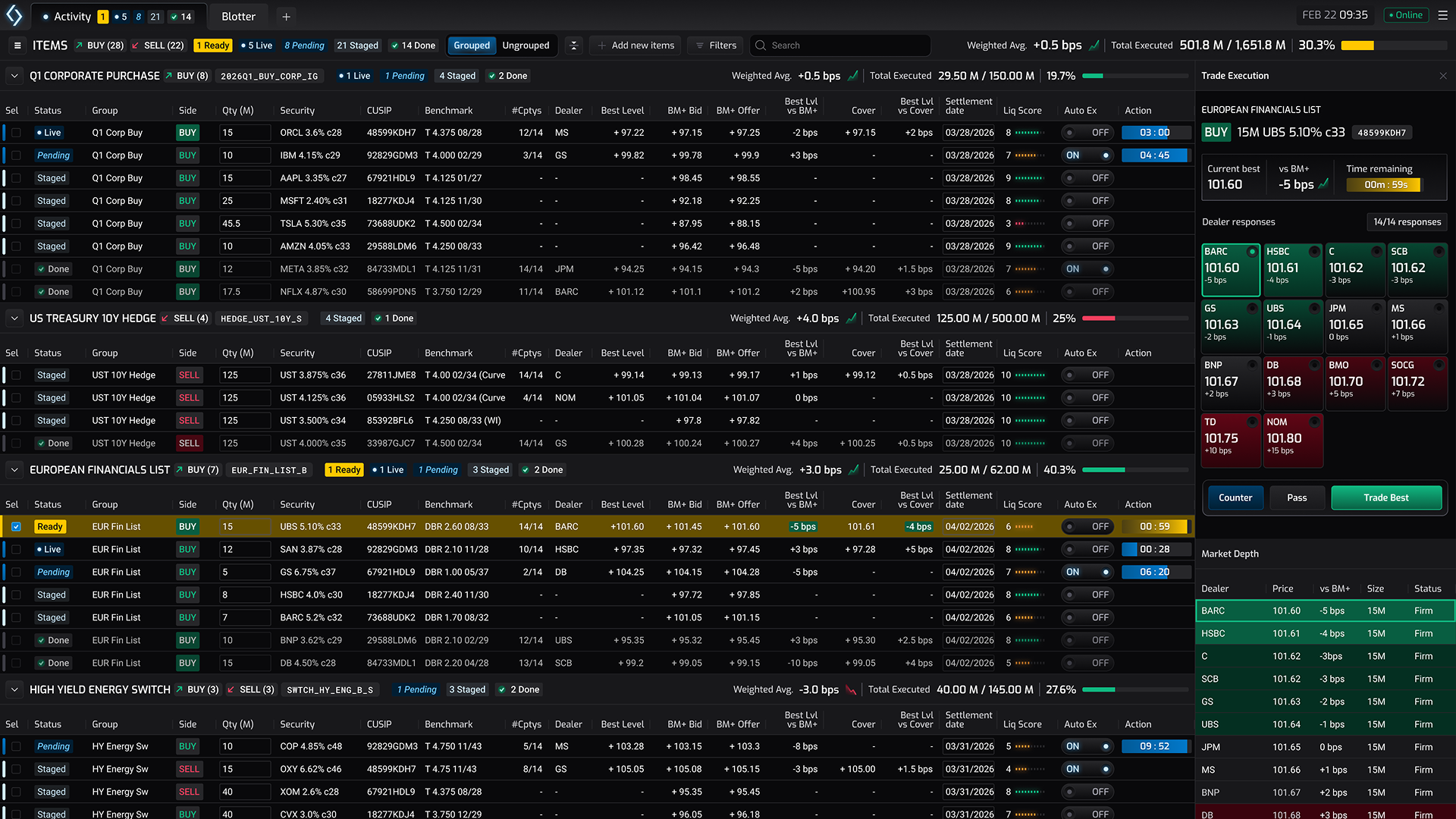
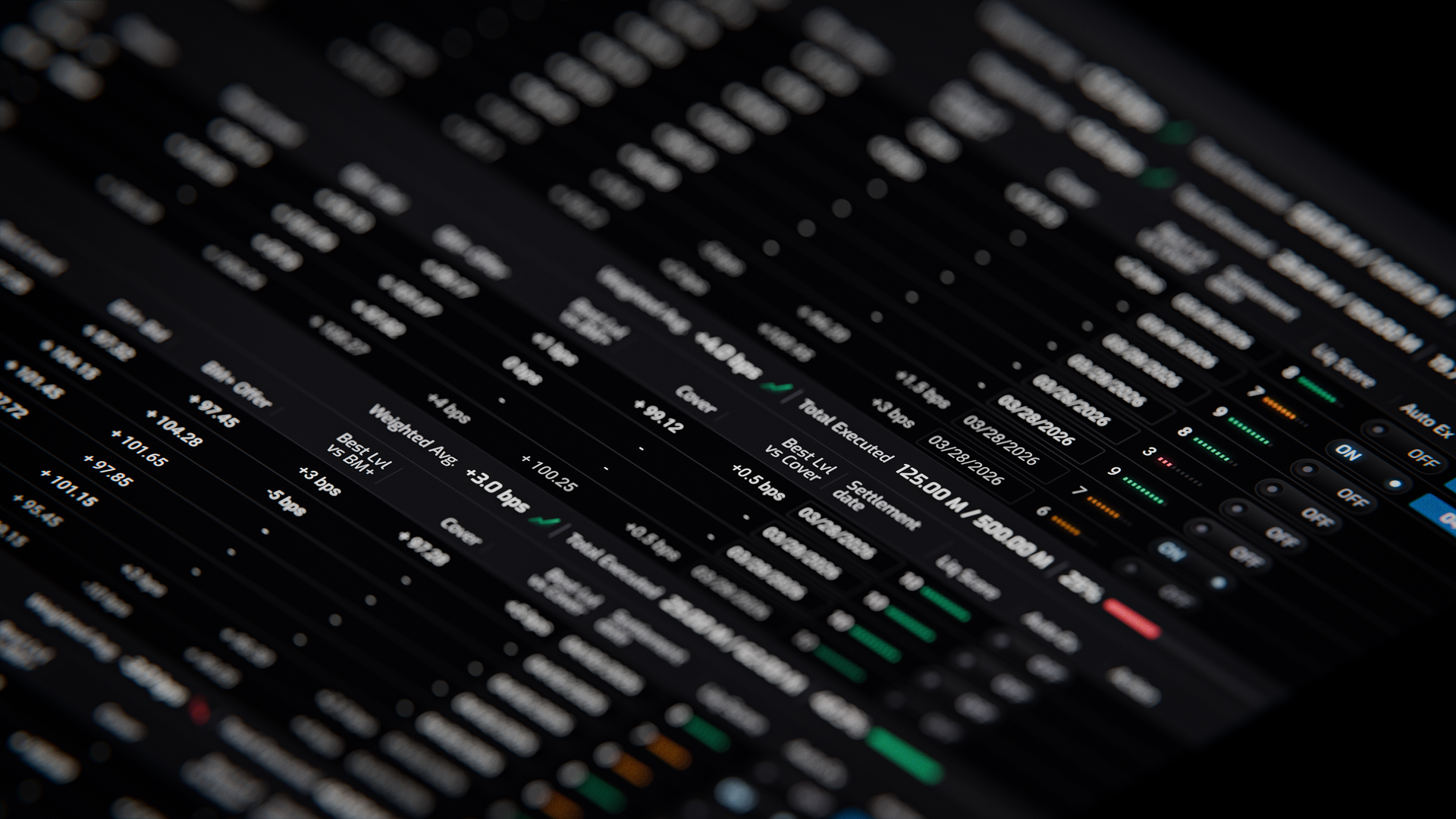
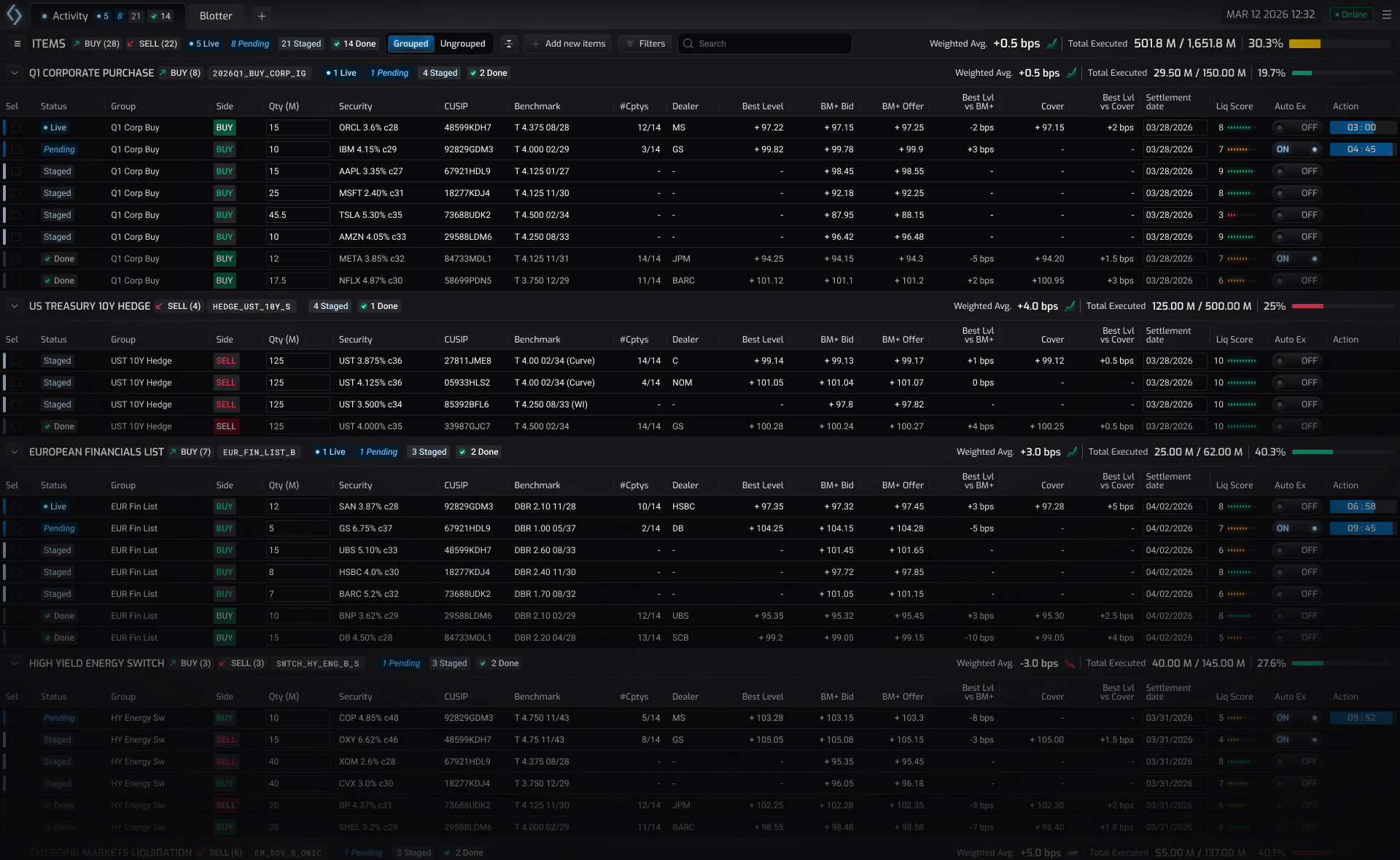
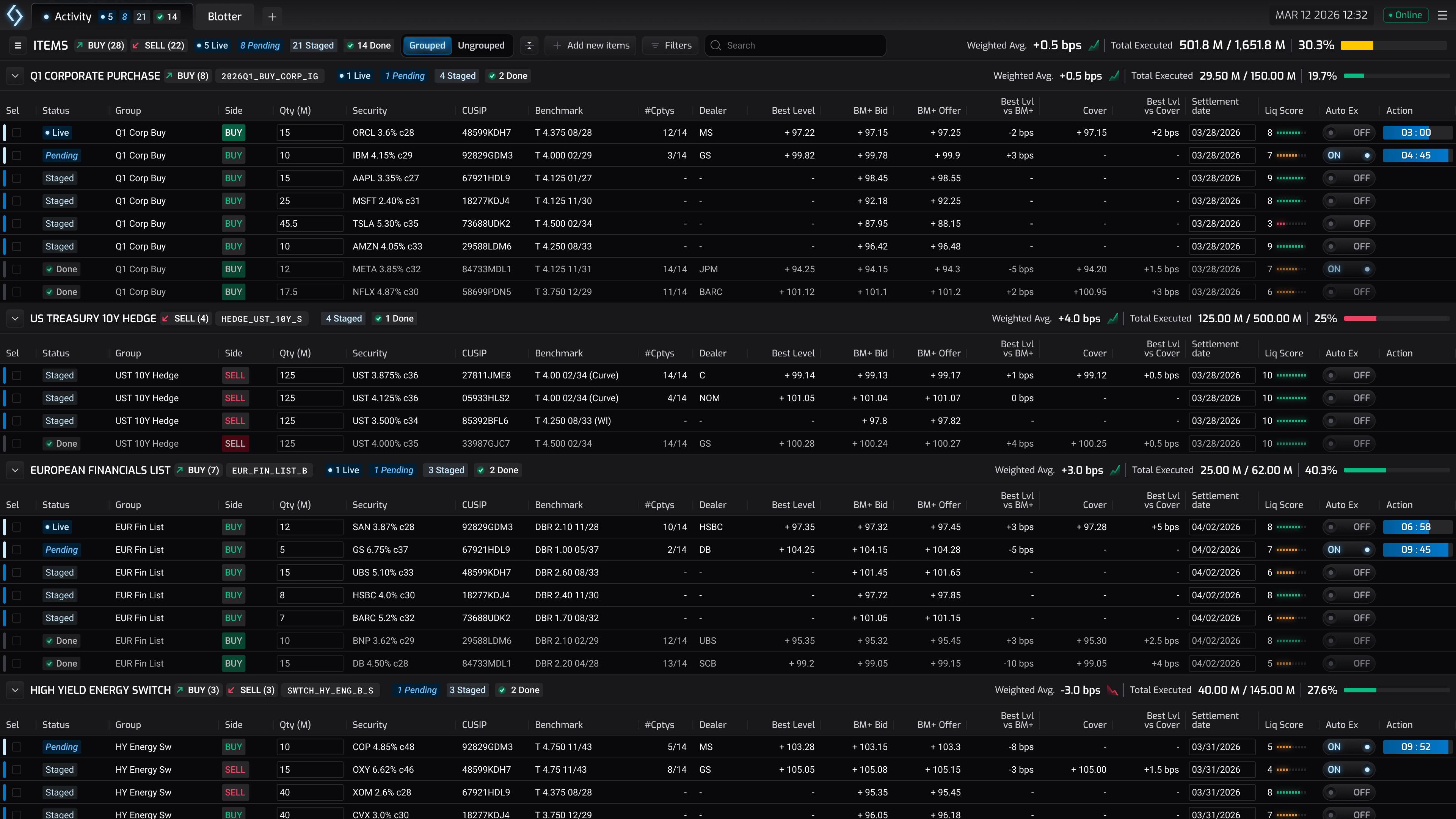
At the heart of the UI is the main grid. Think of it as today's to-do list, with a few more bells and whistles. Each row represents a bond which are neatly organised into groups, and each group is ordered so bonds that require attention always sit at the top of a stack.
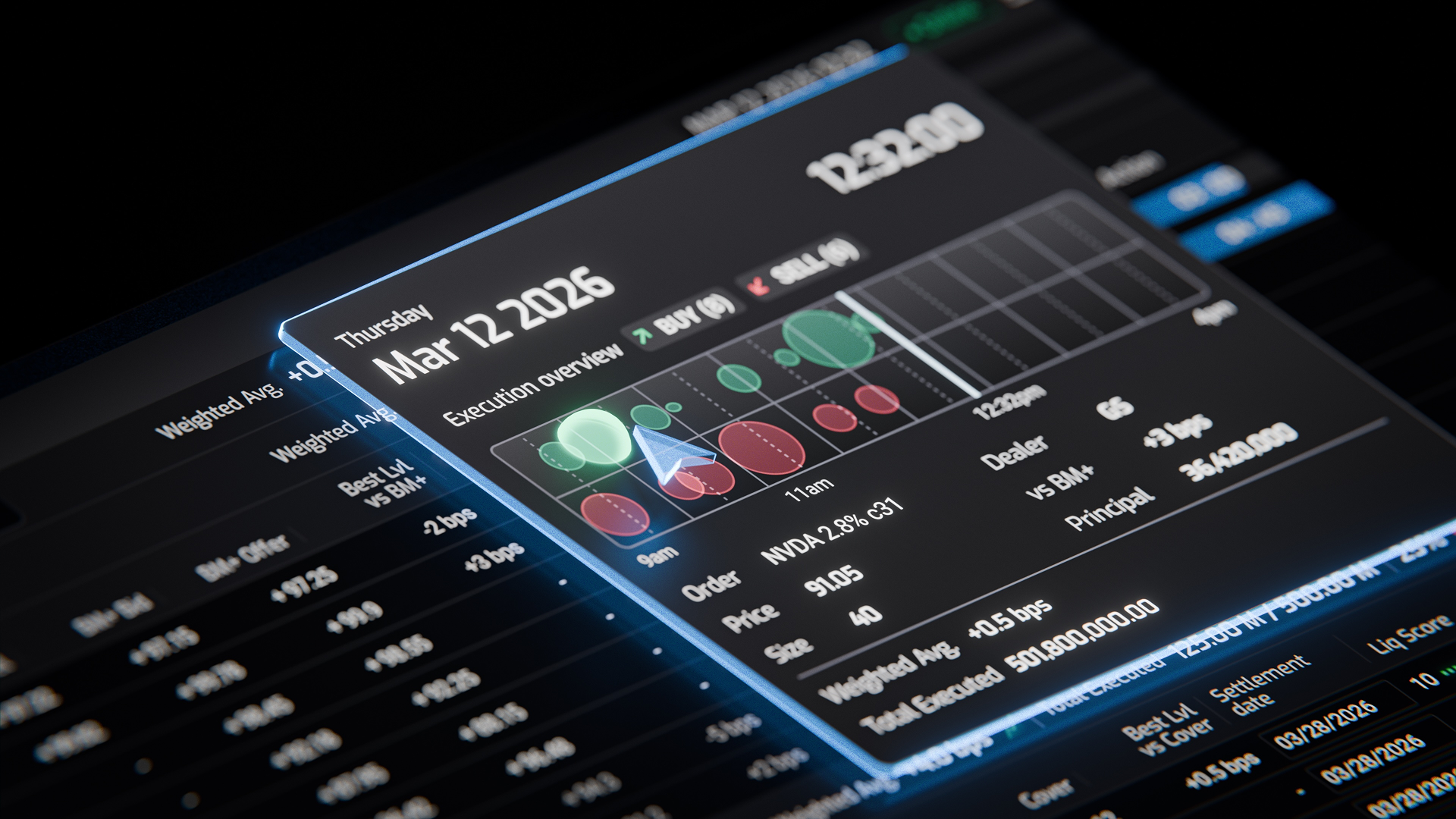
This is a dynamic and always shifting workspace, but the UI helps to keep a tab on the important details at the right moments; orders are colour-coded by status, a persistent pattern across the application; performance and trends are monitored on a heads up display; and counterparty activity is displayed with impact so an opportunity is never missed.
Gallery